Customer app
A convenient storefront on the guest's phone for quick pre-orders and earning bonuses


POS, reports, an in-app storefront and a loyalty programme in one system
For cafés, coffee shops, bakeries and shops in Tashkent — in Russian, English and Uzbek
One digital space for your sales and guest communication
A convenient storefront on the guest's phone for quick pre-orders and earning bonuses
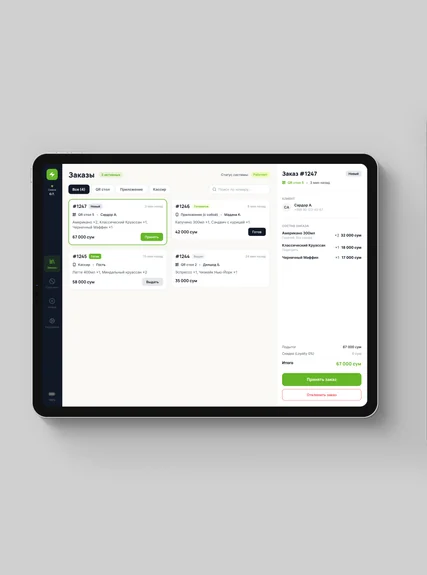
Shifts, order feed, stop-list, taking orders for customers
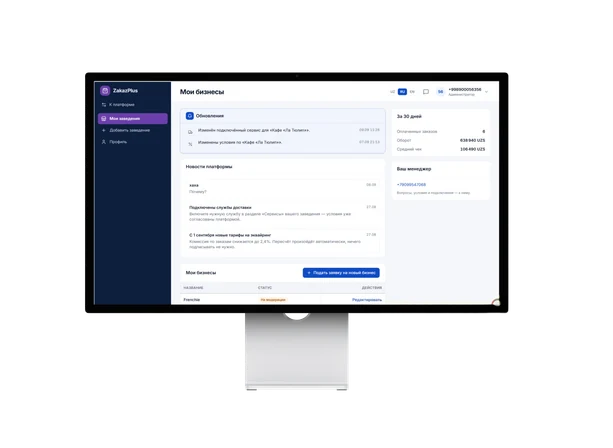
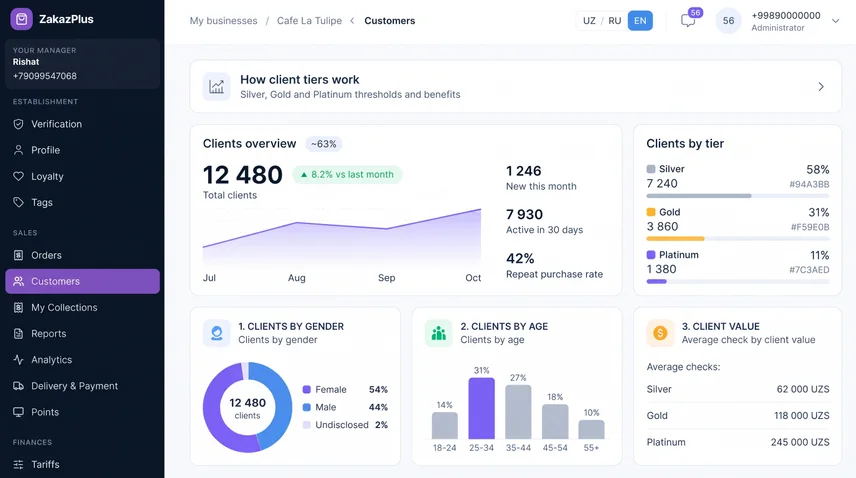
All analytics, menu management, loyalty setup and the CRM database in your browser
The customer orders in the app → the order lands on your POS → the customer data stays with you
The customer orders in the app → the order lands on your POS → the customer data stays with you
Where venues in Uzbekistan lose customers and margin every day
Direct, Telegram and phone calls — three separate channels with no shared history. Cashiers can't keep up and customers leave for competitors.
You pay a hefty commission on every order but never get the guest's contact details. You can't bring them back yourself without paying for ads.
Building an app, integrating it with the POS and maintaining it takes a huge budget and a whole IT team you do not have.
You have no data on what sells at what hour, on returning guests or on peak times. Decisions get made blind.
You see who buys what, keep the full order history and get the tools for repeat sales and data-driven decisions.
Zakaz+ brings orders, the POS and your customer base into one system — with no in-house development.
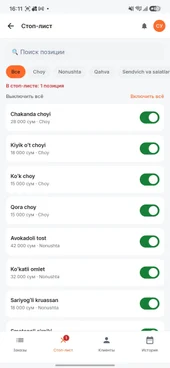
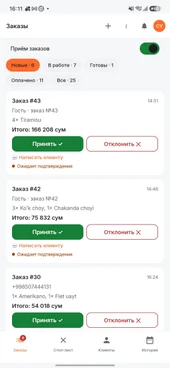
Orders in the cashier app
Zakaz+ brings orders, the POS and your customer base into one system — with no in-house development.
Live — available today. Soon — in the next release. In development — on the roadmap
In development
In development
In development
In development
In development
The solution is adapted to the specifics of different local retail formats
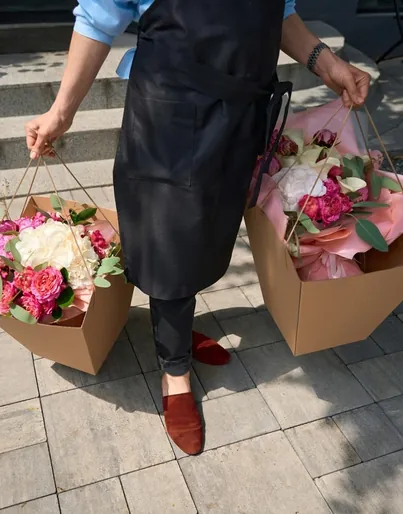
A catalogue of ready bouquets and bookable visit slots.
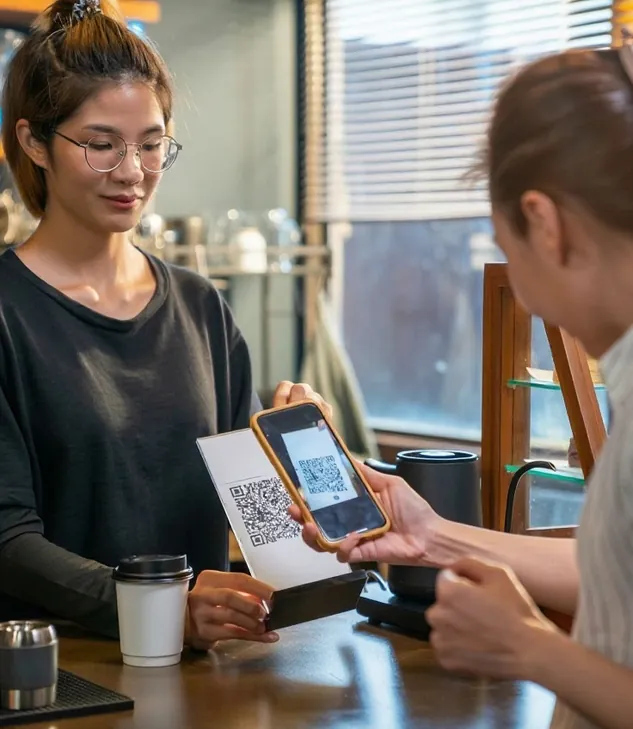
Order at the table by QR code without waiting for a waiter.

Table booking with banquet menu pre-orders.
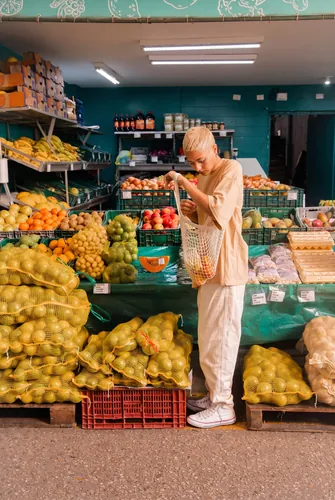
An online storefront for everyday goods, with pickup.

Pre-order combo lunches for a set time during the rush.
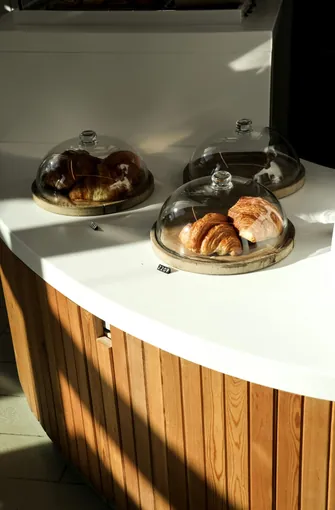
Reserve fresh bread and pastries from the evening batch.
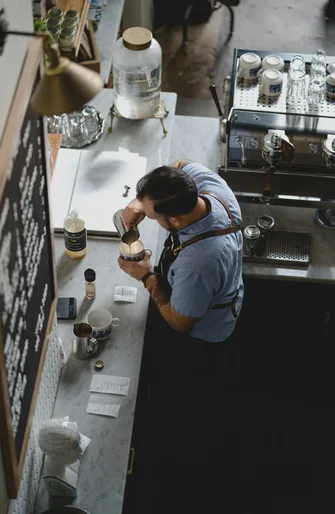
Quick morning coffee pre-order on the way to the office — no queues.
Any business where customers come back
Three steps — from request to first order

You leave a phone number. We get in touch and show the system on your own menu

We set up your venue, locations and catalogue, then test it on a real order

The cashier opens the POS on a tablet and takes the first order
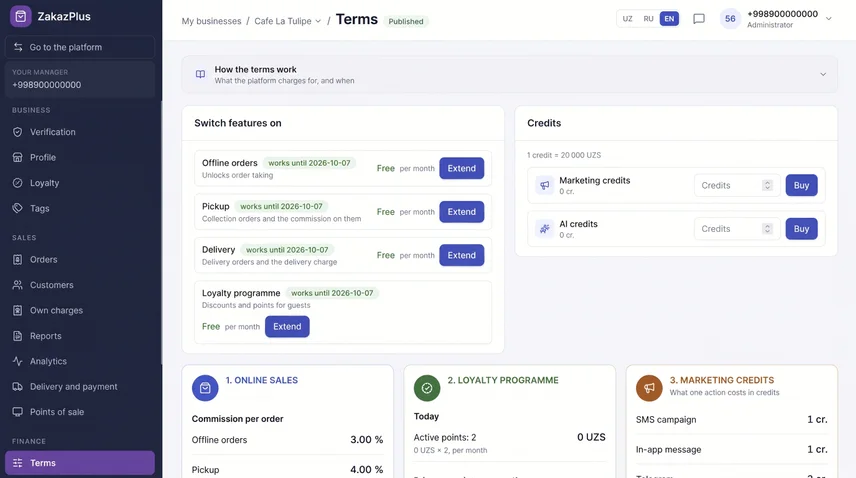
The service package and price are tailored to your venue. Send a request and we will put together an offer for you.
Per connected service or period

A percentage of the order total
Per action: one campaign, one generation.
There is no “Buy” or “Pay” button here — you sign up through a request and agree the terms with our specialist.
No special hardware is needed. A smartphone or tablet and a stable internet connection are enough.
You upload the menu yourself and it is imported automatically. If anything goes wrong, we will help.
Yes. Several locations are run from one dashboard: the owner, manager and cashier each work in their own role, and the cashier opens a shift at the right location.
The customer orders in the ZakazPlus app: they see your menu, place an order and follow its status. Nothing else needs installing. A guest can also order without signing up, and the cashier places the order for them.
It depends on what you choose: a subscription or a percentage of each order. We tailor the package and the amount to your venue, so send a request and we will work it out.
We will call during business hours and show the system on your own menu.

Request received
We will get in touch during business hours and show the system on your own menu.